
Presentation and content
Shared Razor shell
Views/Shared/_Layout.cshtml owns the document head, site header, navigation, page shell, runtime dependencies, and footer selection. Views set ViewBag metadata and can supply LoadCSS, Styles, Scripts, and OtherHeaderTags sections. Check actual order when diagnosing overrides: the 2027 shared pattern/footer/hero/list assets load after view style sections.
The document's data-style-mode records the selected generation. Reset CSS loads first. In 2027, Typography.css follows; then the selected folder supplies MicroFormats.css, Default.css, Desktop.css, and Fonts.css. Account styles, generated area rules, and view/shared feature styles follow. Use asp-append-version consistently with neighboring assets for cache busting.
Style generations
Style2021 remains the checked-in default. Style2027 selects Content/2027; it is deployment configuration, not a user preference. CodeHelper.StyleFolder gives the folder name. Shared view and script changes still affect both modes unless explicitly scoped.
2027 uses shared --code-* tokens and Typography.css. Inter is the marketing/UI font; Source Serif 4 serves established editorial roles. Font assets and their license/source files live under Content/2027/Fonts. Extend shared tokens and selectors before adding view-local copies. Preserve selector specificity, media behavior, and asset paths when modernizing baseline rules.
Hero header
In 2027 a page supplies ViewBag.HeroHeaderColor and marks usable responsive hero imagery or a billboard with data-header-hero. _Layout adds the opt-in body class; HeroHeader.css and Scripts/Shared/HeroHeader.js manage overlay spacing and the transition to an opaque header as the visible image scrolls away. Pages without usable heroes retain ordinary spacing. Text-bearing billboards use hero-header-panel for menu clearance.
Check visible image selection on resize, image load/failure, mobile navigation opacity, and rotator color changes. The legacy rotator rewrites CSS rules; keep protected header-child selectors intact. Header behavior must remain scoped to 2027 and the opt-in class.
Shared content patterns
Use the content-patterns skill for 2027 page-body content. Its markup reference documents required nesting; direct-child selectors make wrapper structure significant.
| Pattern | Primary classes |
|---|---|
| Introduction and supporting summary | content-with-summary, content-main, content-summary, icon-list |
| Feature band | content-band, benefit-list |
| Statistic and explanation | content-statistic-section, content-with-statistic, content-statistic-copy |
| Audience or questions | content-audience-section, content-eyebrow, content-question-list |
Reuse ContentPatterns.css, wrapper classes, and accent variables across consulting, training, events, and other areas. Backend-authored HTML is not automatically Markdown-aware inside HTML containers. Razor Markdown support is a separate path through MarkdownTagHelper; inspect the consuming view before selecting a format.
Article and blog reader
Only Magazine + Style2027 selects Article/ShowArticle2027.cshtml and Blog/RenderBlog2027.cshtml. Other combinations use their existing views. Each new view adapts its feature model through ArticlePresentation or BlogPresentation to ContentReaderViewModel, then renders _ContentReader. Article-specific kicker, notice, and ending remain article partials.
The adapter chooses responsive hero fallbacks, validates accent colors, and estimates reading time at 220 visible words per minute with a one-minute minimum. Blog adaptation respects author/date visibility and preserves the supplied body HTML. The shared partial renders a skip link, title/summary/byline, article body, author rail, navigation, and reading controls.
scripts/Article/ArticleReader.js enhances the server output with browser-persisted settings, heading navigation, sharing, code handling, and image interactions. Existing body IDs remain intact; missing heading IDs receive unique generated values. Keep figure, listing, and heading anchors compatible. Body HTML is rendered through Html.Raw; the reader does not establish a new sanitization boundary for arbitrary user input.
The article design specification contains desktop/mobile reference images. Use them as design context; verify current behavior in a running browser, including keyboard access, long code, missing portraits, narrow layouts, and script-disabled content.
Footer and lists
2027 uses _Footer2027, FooterViewModel, Footer.css, and shared link/directory partials. Featured links come recursively from footer metadata, ordered by group and link order; label overrides apply only to compact links. The full directory uses native <details> and original menu labels/visibility/order. The 2021 footer remains separate. Shared 2027 article lists use _ArticleList2027 and ArticleList.js; follow the consuming view before changing an older list partial.
Running-site screenshots
These are captures of the running local application on November 4, 2026, using SiteMode=Magazine, StyleMode=2027, and the Development launch profile at https://localhost:7047. Each image uses a 1280 × 720 CSS-pixel viewport and a signed-out session. Content and the billboard can change with backend data. These images supplement the design specification; they are not specification mockups.
Shared home layout
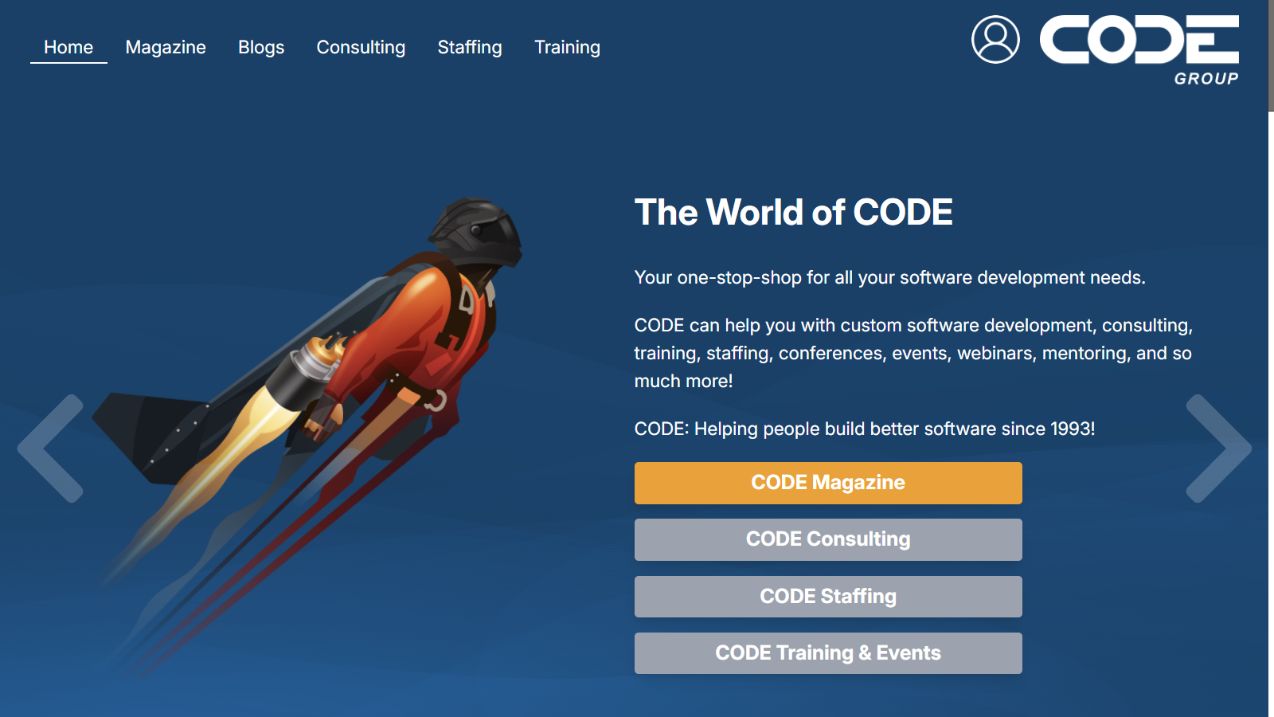
Route /, at the top of the page. The home billboard uses CODE Group branding even in Magazine mode; this is the branding rendered by the running application. The shared navigation and sign-in entry sit above the billboard content.
Magazine landing page
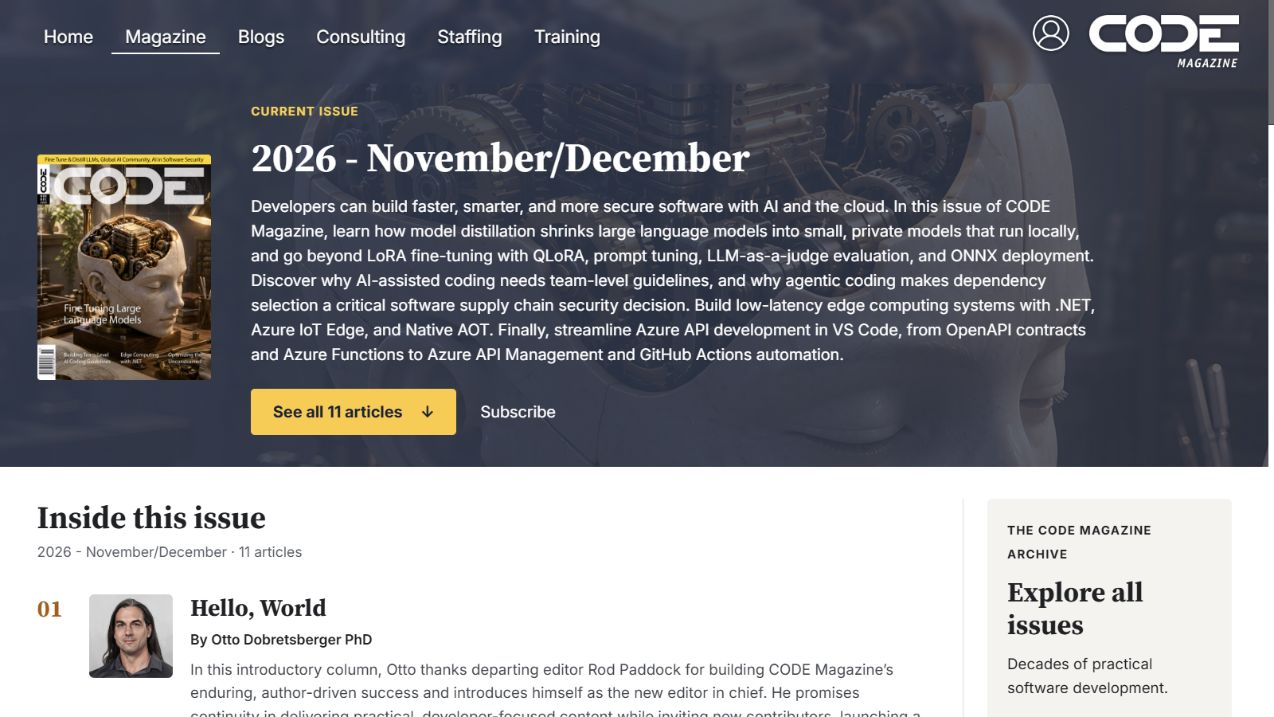
Route /magazine, at the top of the page. The hero header overlays the current issue artwork, while the issue cover, summary, actions, article list, and archive panel provide the magazine-specific presentation.
Article reader opening
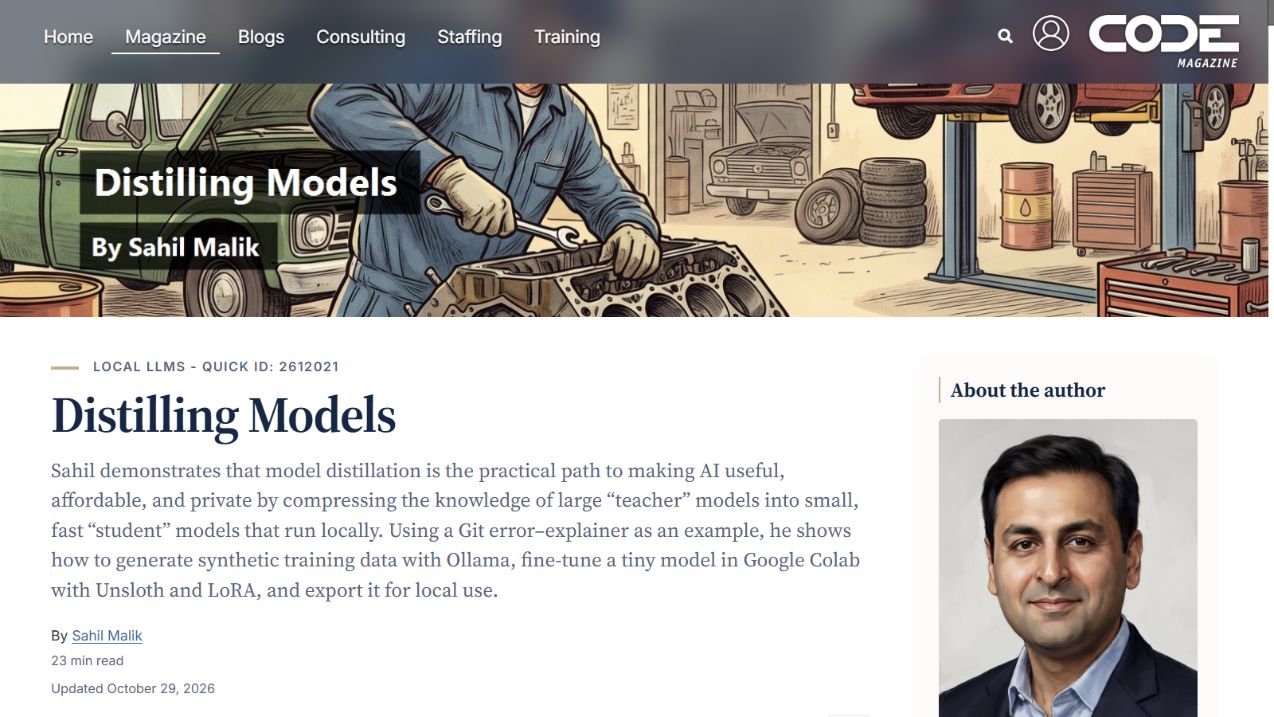
Route /Article/2612021/Distilling-Models, at the top of the page. The screenshot shows the shared reader with an article-specific category/quick ID and the right-hand author panel. The hero artwork itself contains an additional title and author treatment; it is distinct from the reader's HTML heading.
Reading settings
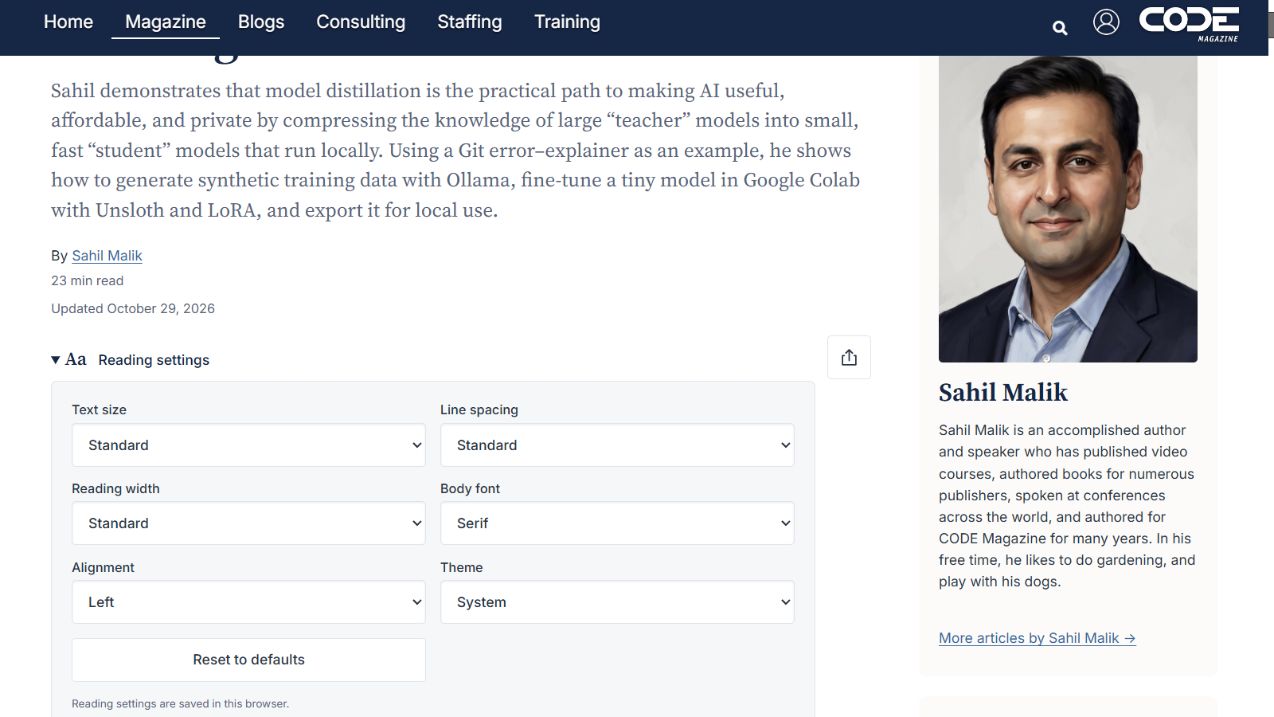
Same article route, scrolled to the expanded Reading settings disclosure. All controls retain their default values. The compact header is visible after scrolling; opening the disclosure does not change any saved preference.
Code in the reader
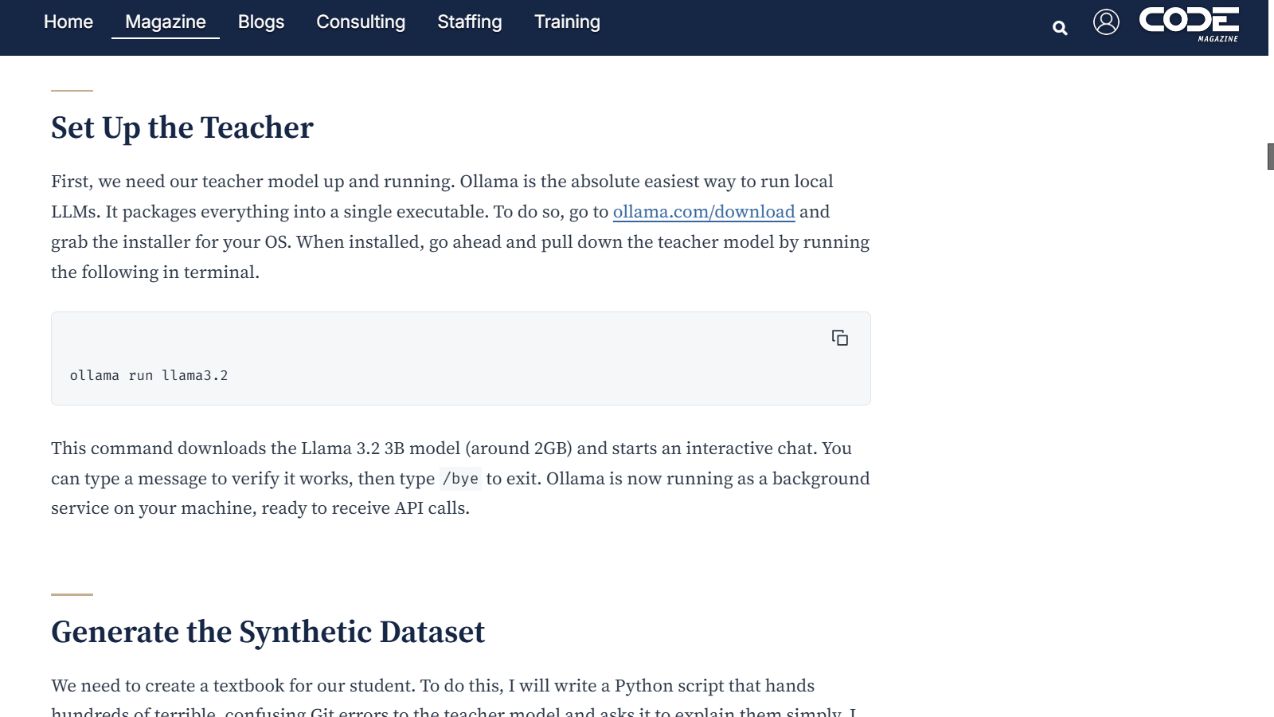
Route /Article/2612021/Distilling-Models#set-up-the-teacher, reached through the reader's On this page link. The capture shows the resulting heading destination, code block and copy control, and the compact header. The navigation rail itself is outside this scrolled viewport.